
JH Economy Dashboard
DESCRIPTION:
The ultimate economy management dashboard for your FiveM server.
Take complete control of your server's economy with real-time monitoring, powerful analytics, and admin tools—all in one clean, professional interface.
What's Included: • Full source code (escrow protected) • Multi-framework support (QBCore, QBox, ESX, Standalone) • Automatic framework detection • Detailed documentation • Free updates • Discord support
Features:
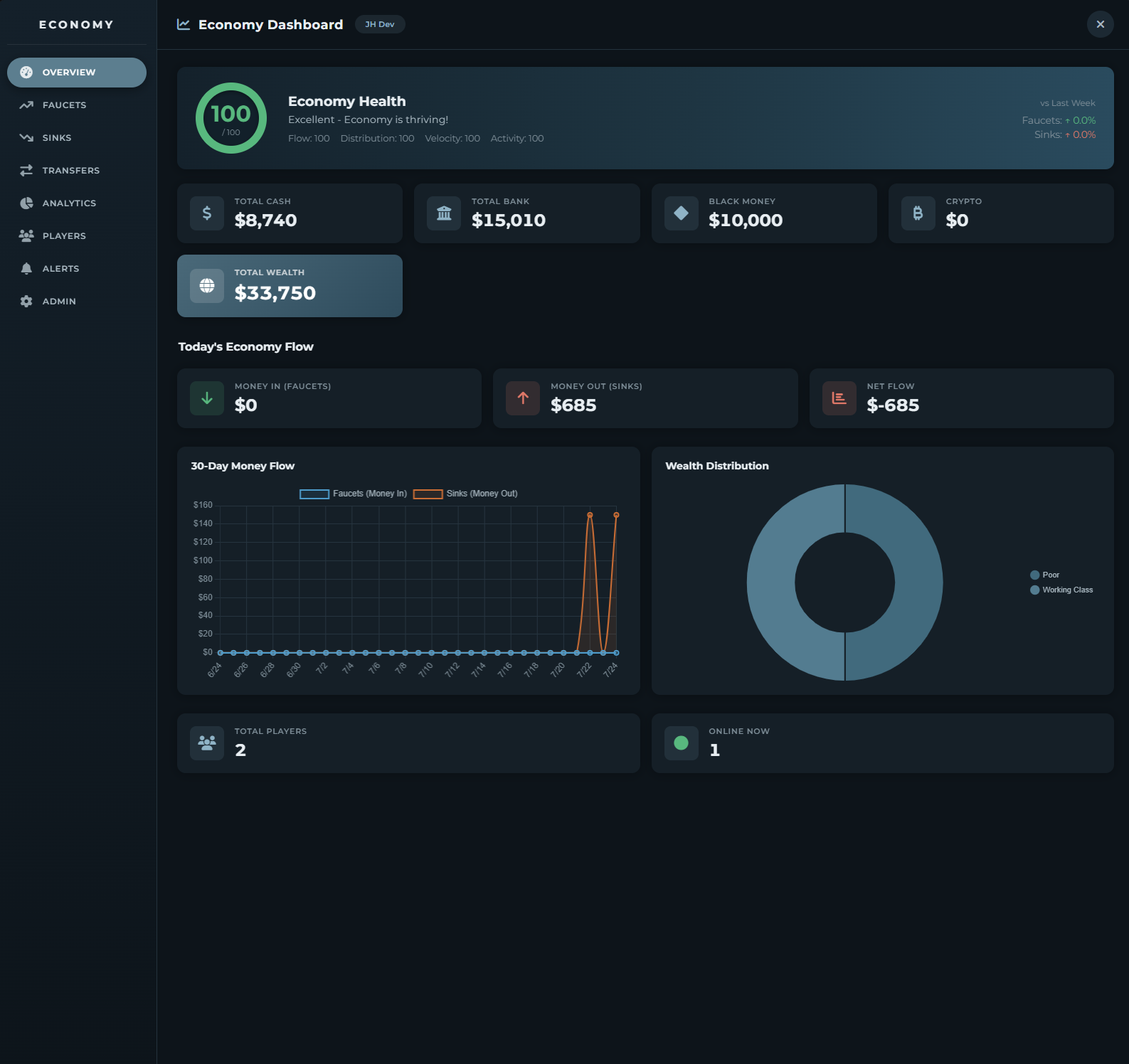
📊 Economy Health Score - Real-time 0-100 score showing your economy's health based on flow balance, wealth distribution, and player activity.
💰 Money Tracking - Live server totals for cash, bank, dirty money, and crypto across all players.
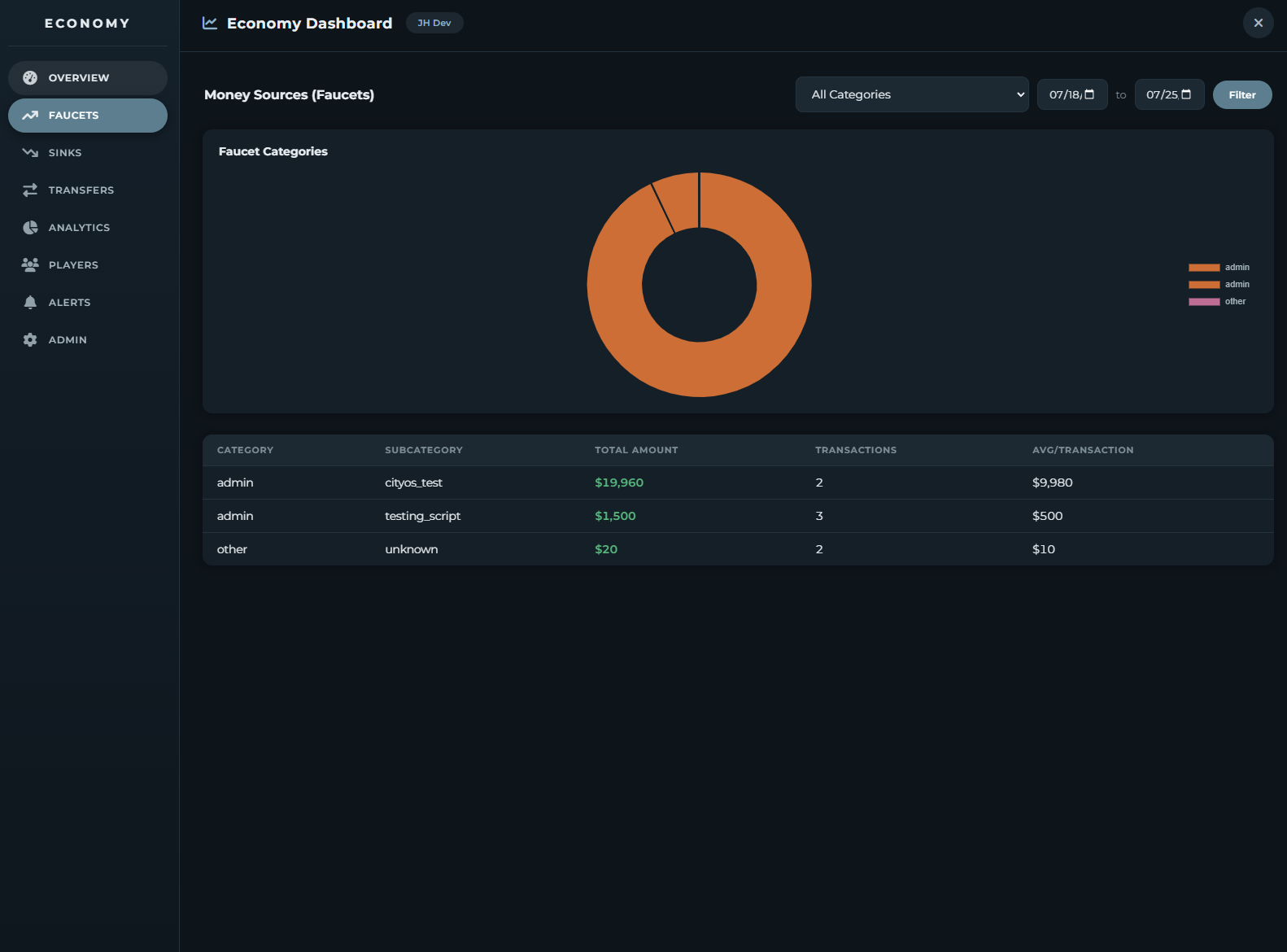
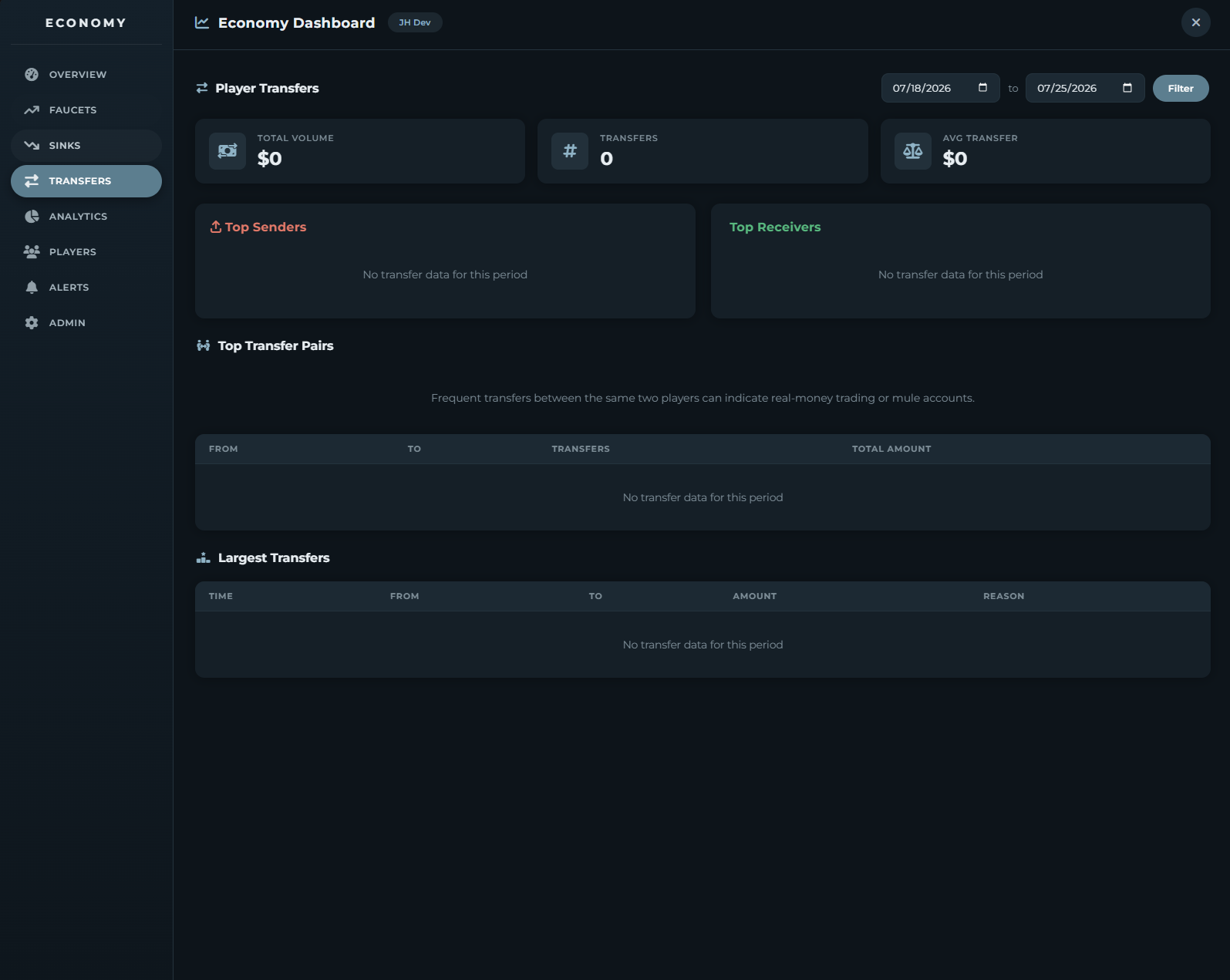
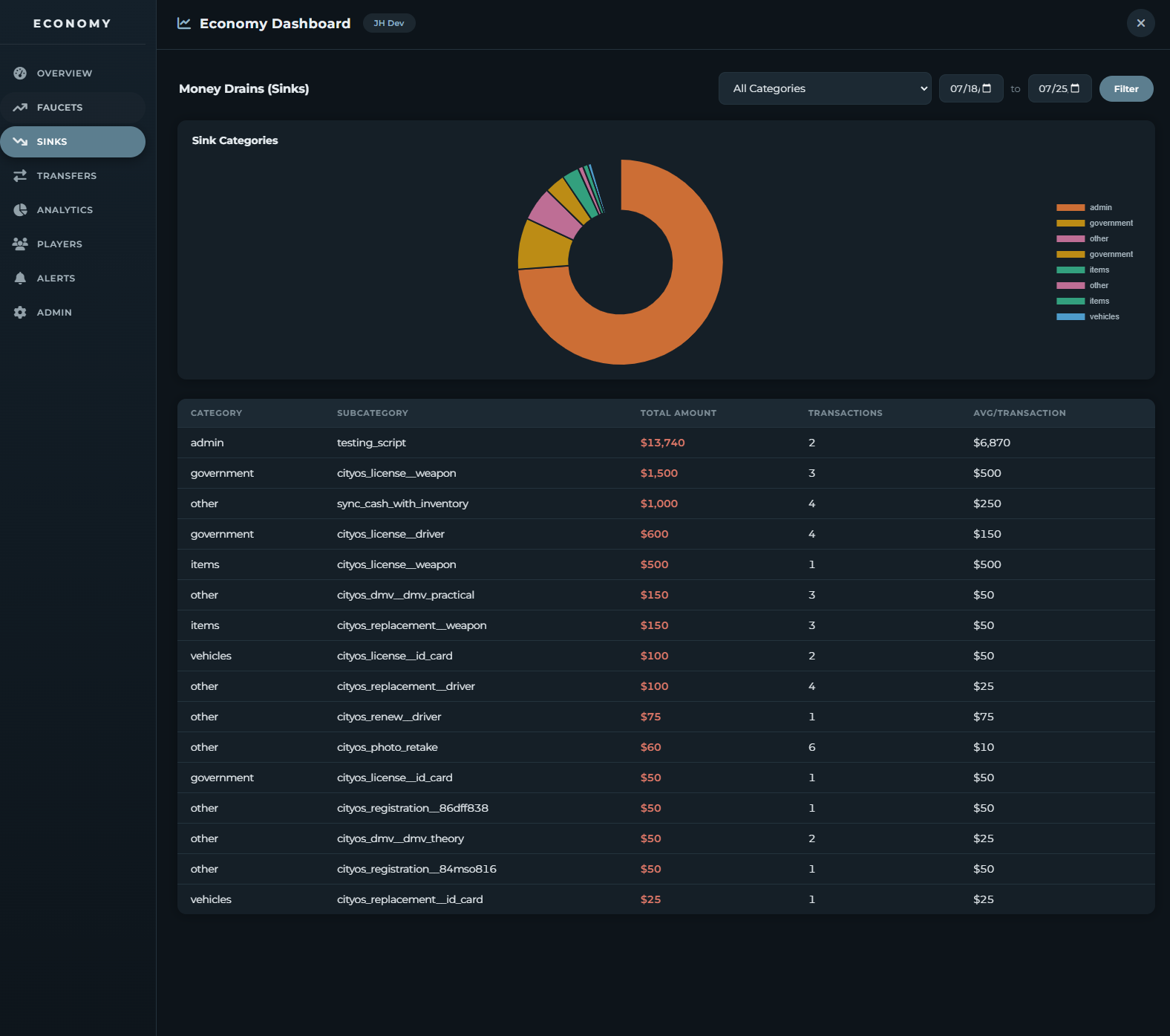
📈 Faucet & Sink Analysis - Track where money enters and exits your economy with category filtering, date ranges, and pie charts.
📉 30-Day Charts - Visualize money flow trends over time.
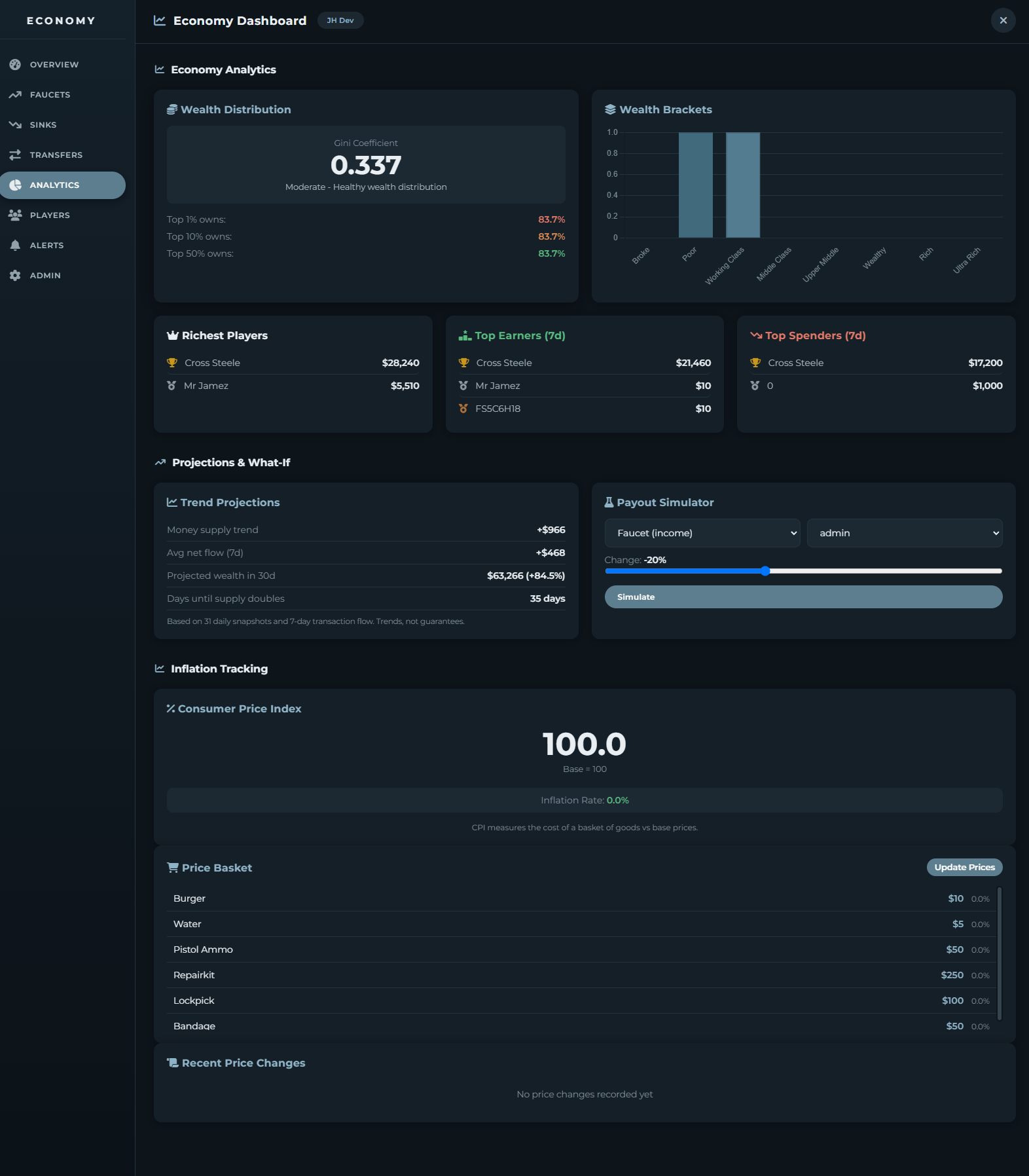
🎯 Wealth Analytics - Gini coefficient, wealth percentiles, bracket distribution, and leaderboards for richest players, top earners, and top spenders.
💵 Inflation Tracking - Consumer Price Index (CPI) monitoring with automatic price logging via exports.
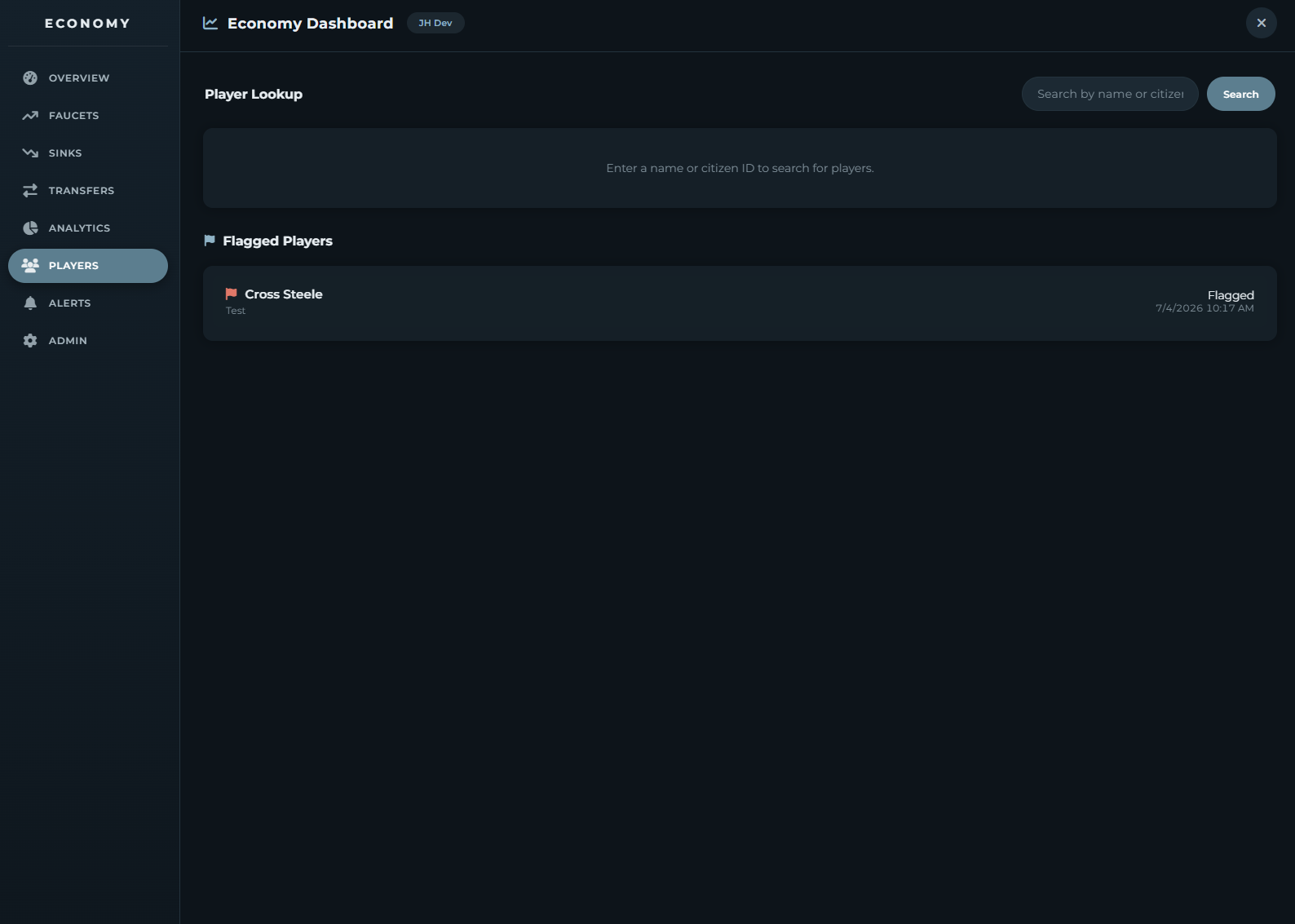
👥 Player Profiles - Search players, view balances, lifetime stats, and transaction history.
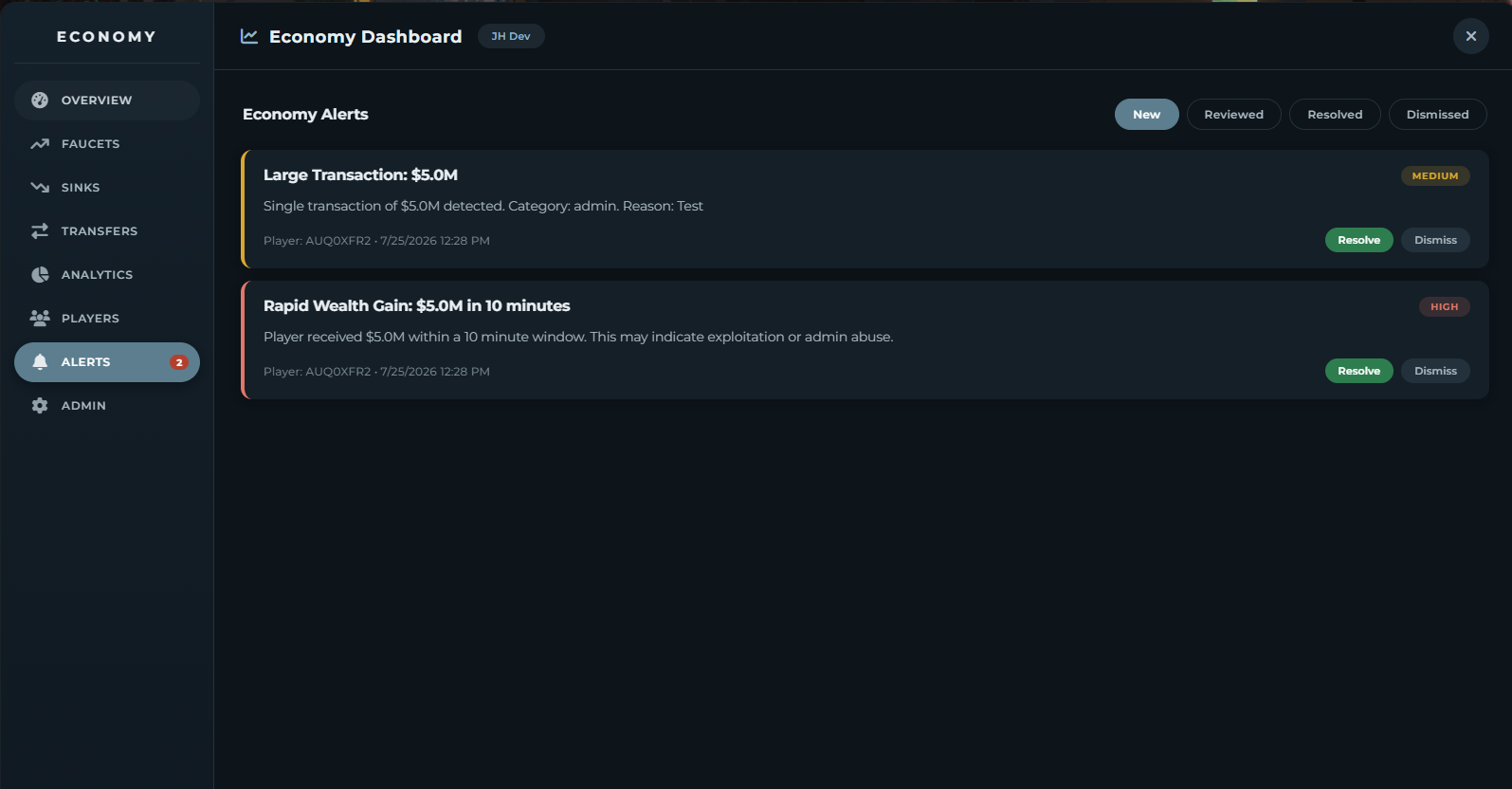
⚠️ Smart Alerts - Automatic detection of rapid wealth gains, large transactions, and economic imbalances with Discord notifications.
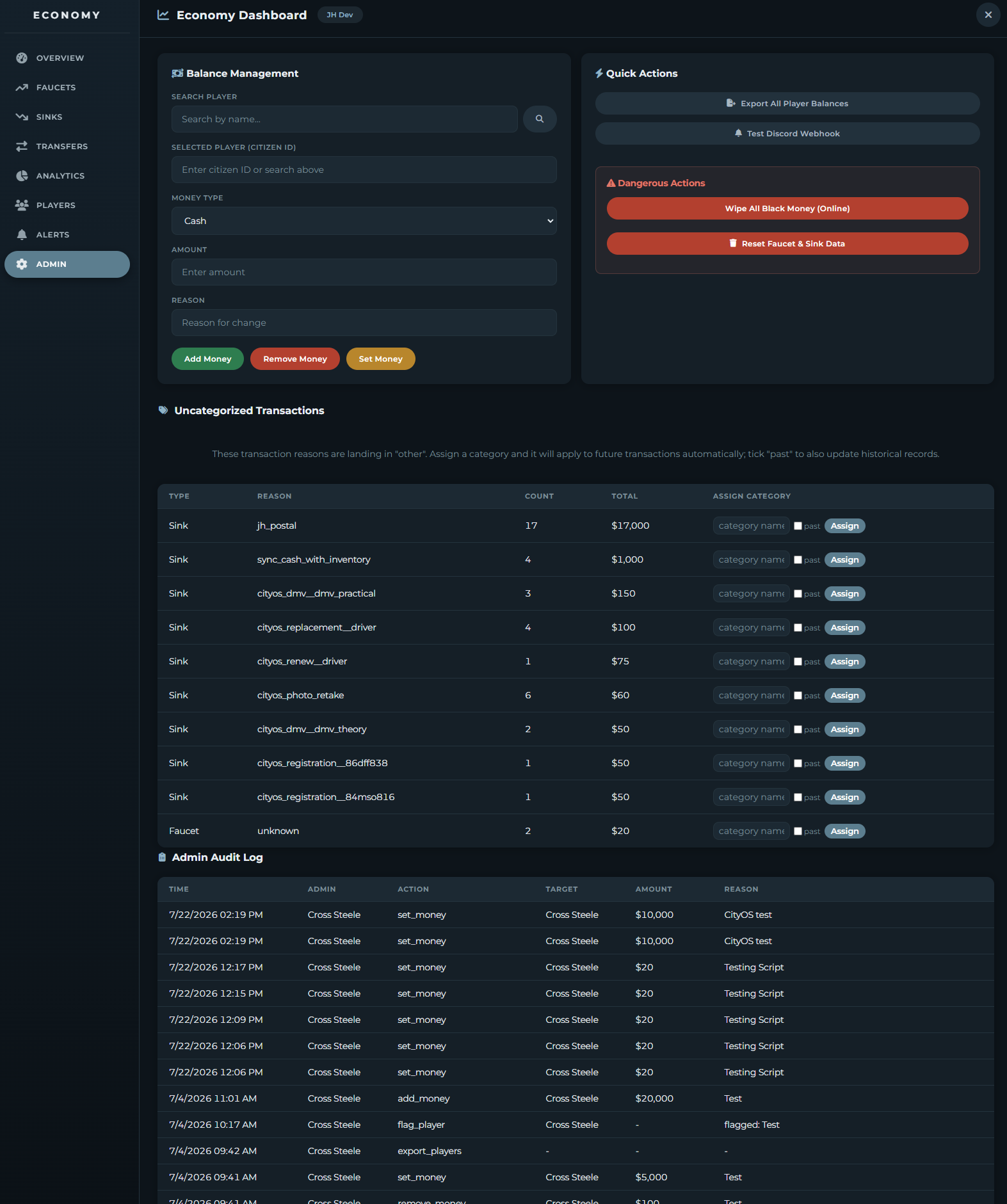
🔧 Admin Tools - Add/remove/set player money, bulk wipe dirty money, export balances to CSV—all with full audit logging.
🔗 Discord Integration - Webhook support for alerts, reports, and admin actions.
Requirements: • oxmysql
Installation:
- Run the included SQL file
- Add to server.cfg
- Configure permissions in config.lua
- Restart server
Support available via Discord ticket.